Create and edit images in a conversation
Describe an image, bring your company style and reference files, and refine the result with Steward.
Describe what you need
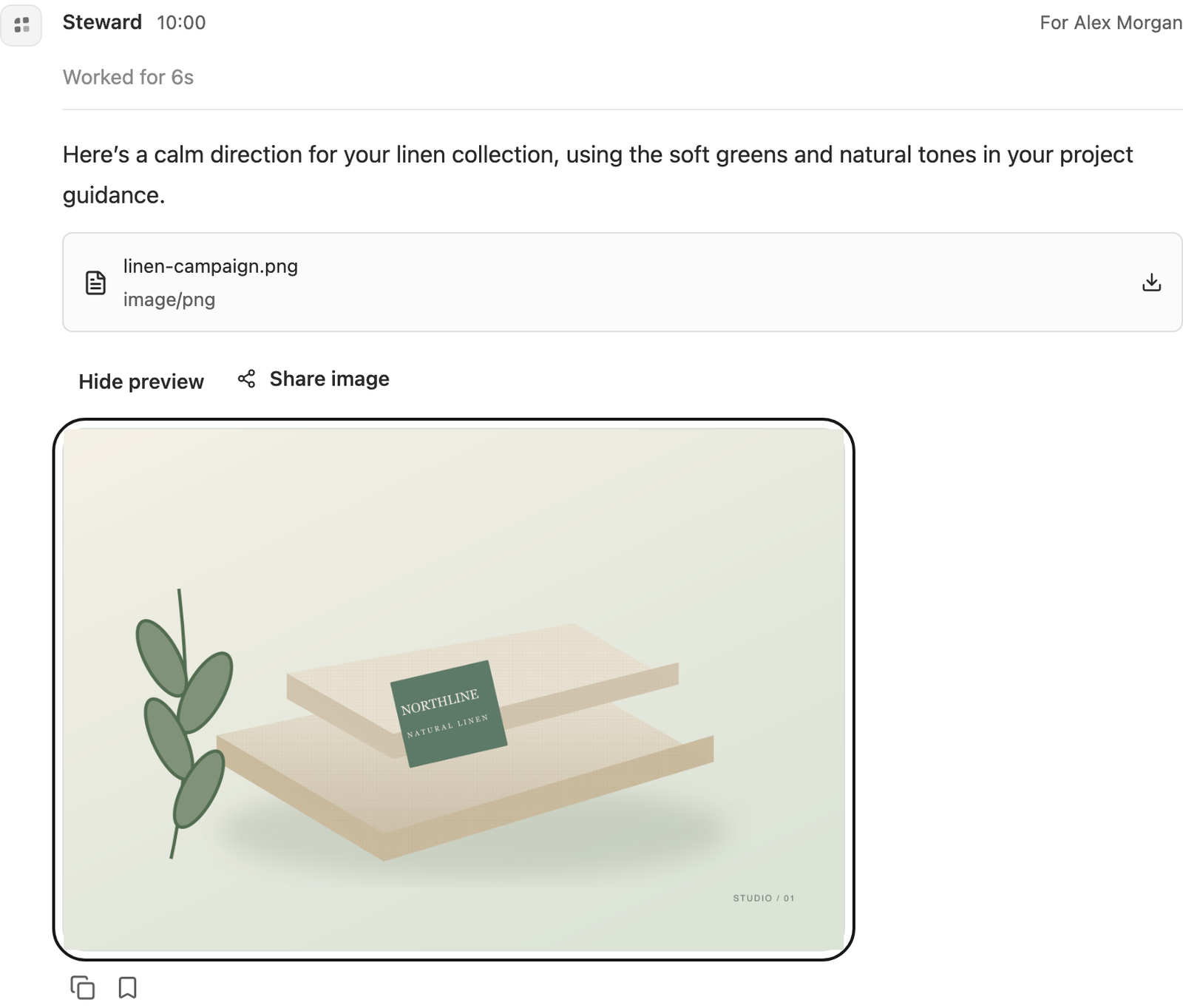
As a project contributor or manager, send an ordinary message such as: “Create a landscape campaign image for our linen collection. Use the company colours and product photo in this project.” Steward chooses its image tool as part of answering your request. There is no separate image creation button.
Include the subject, intended use, orientation, and details that must stay accurate. Ask for a specific number of alternatives when useful; a single tool call supports up to four images.
Bring company style and reference images
Upload PNG, JPEG, or WebP files and send them with your message, or refer to shared project files. Keep company colours, styling and brand guidance in project instructions. Name the relevant product or reference files so Steward can find them.
Only files you can access in the current project are available. Source attachments and unsent drafts stay private until sent. Remote image URLs are not fetched by this tool. A call accepts up to eight reference images, within the workspace upload size limit.
Refine an existing image
Ask: “Edit the image above: keep the product and layout, soften the background and use our sage green.” You can also upload an existing product image and describe a precise change. Steward uses Sunburst for precise edits and Flare for faster creation. Results are PNG files in square, landscape or portrait layouts.
Review important product details and any text in the result before using it. Each new edit or alternative can create additional usage.
Follow the result
A quiet animated texture appears while the image call runs. Reduced-motion preferences use a static texture. The finished image opens inline; select its named file card to download the original PNG, or Hide preview to close it.
Select Stop run, which replaces the send button while the composer is empty, to stop the run; the image placeholder then shows that it stopped. An interrupted provider request may still have usage even if no image arrives. If a call fails, read the message and ask Steward to retry when appropriate. Uncertain attempts are not silently replayed.
Images are private workspace artifacts until you explicitly share a result. Generation may be disabled by your workspace administrator, or temporarily paused by a concurrency or optional usage limit. See image usage.